

AI Integration Quick Reference
AI Integration Quick Reference
Styling Architecture
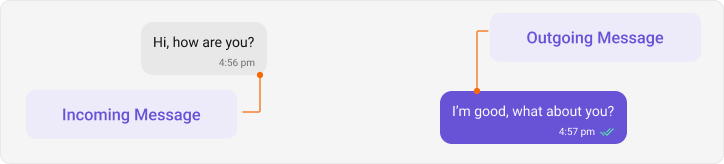
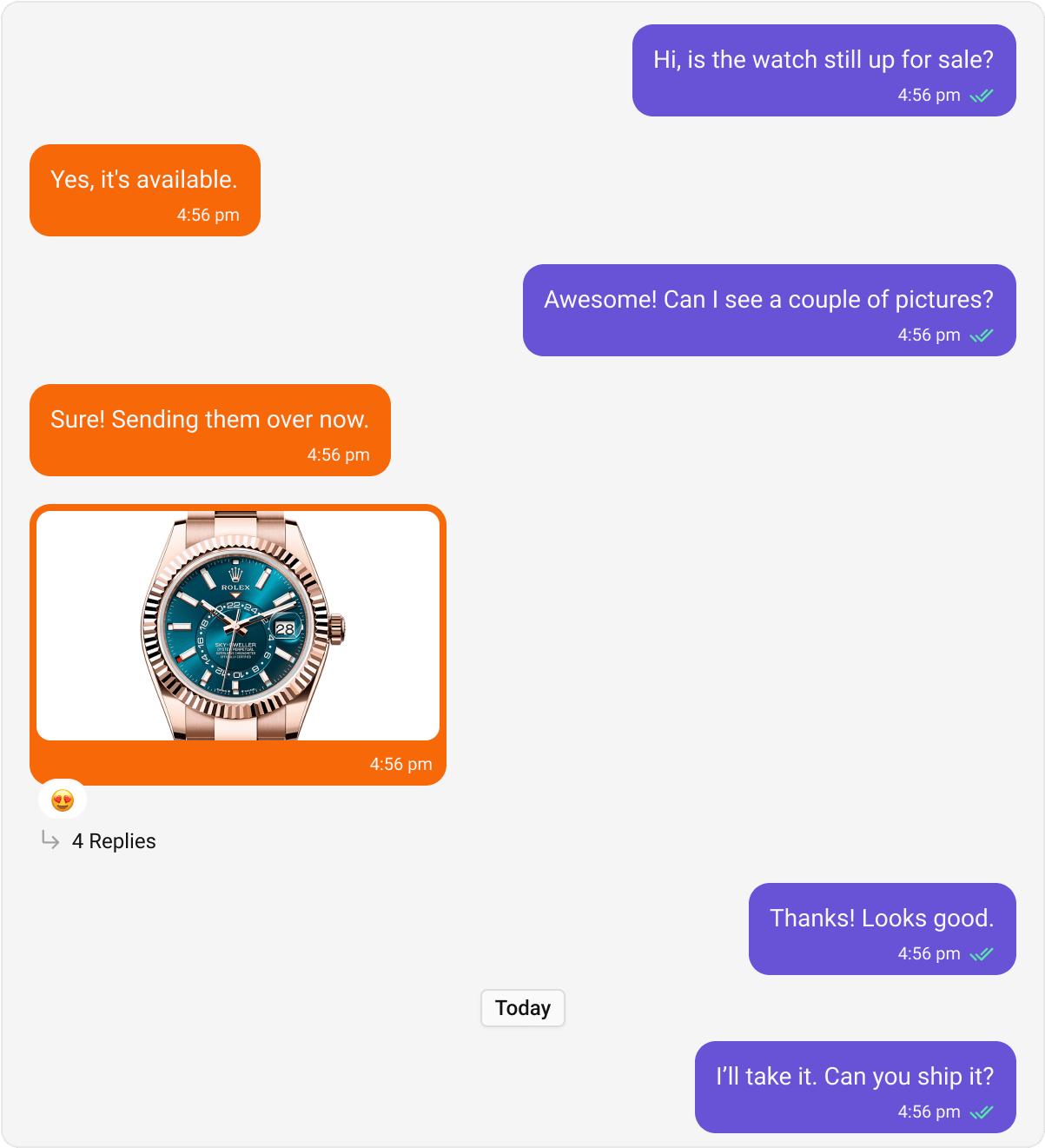
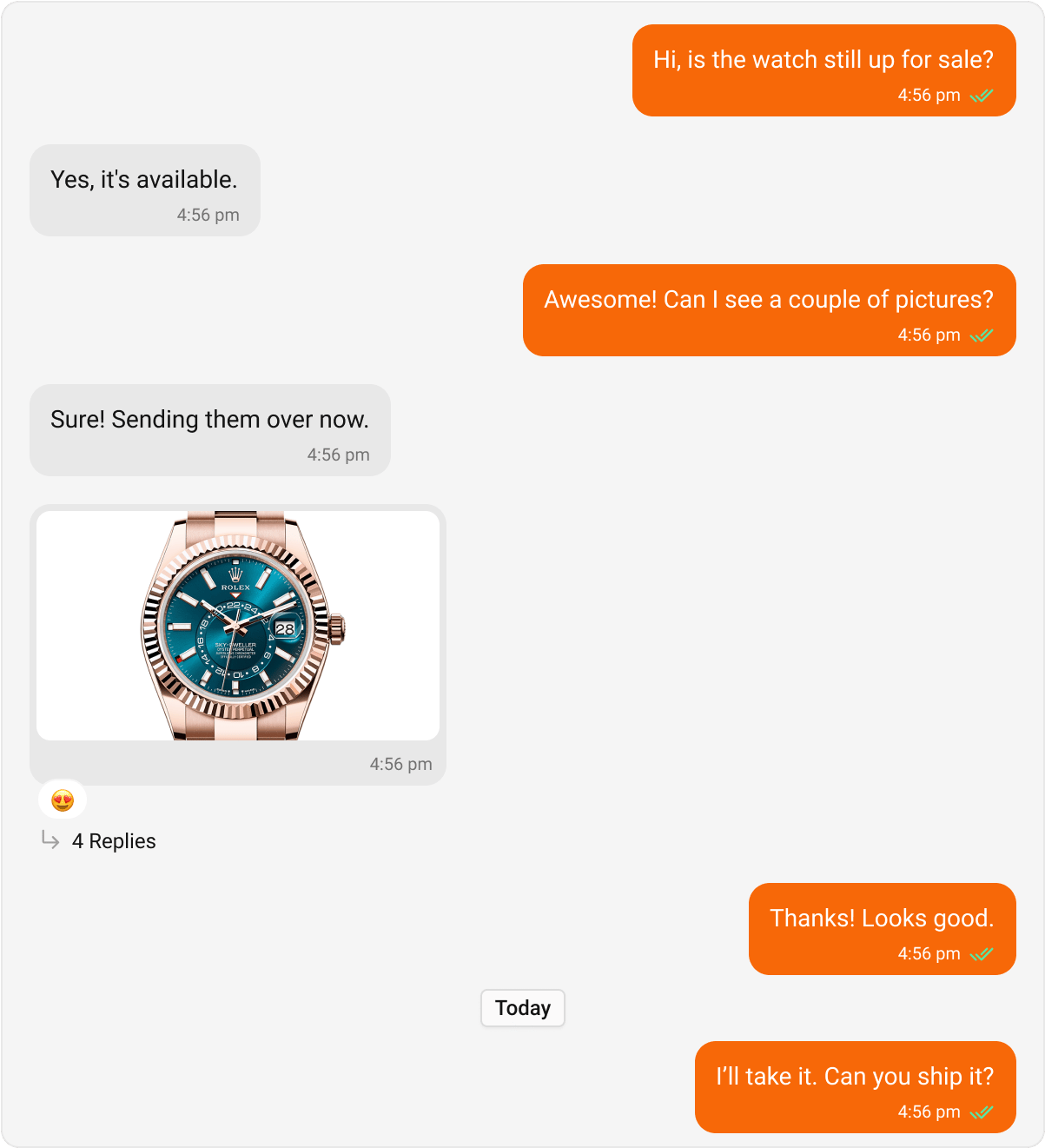
Message bubbles follow a hub-and-spoke pattern:- Hub styles —
IncomingMessageBubbleStyleandOutgoingMessageBubbleStylecontrol the base bubble appearance - Per-type styles — Text, Image, Audio, etc. are nested inside the hub styles
Global Setup
- Kotlin (XML Views)
- Jetpack Compose
themes.xml
Core Message Bubbles
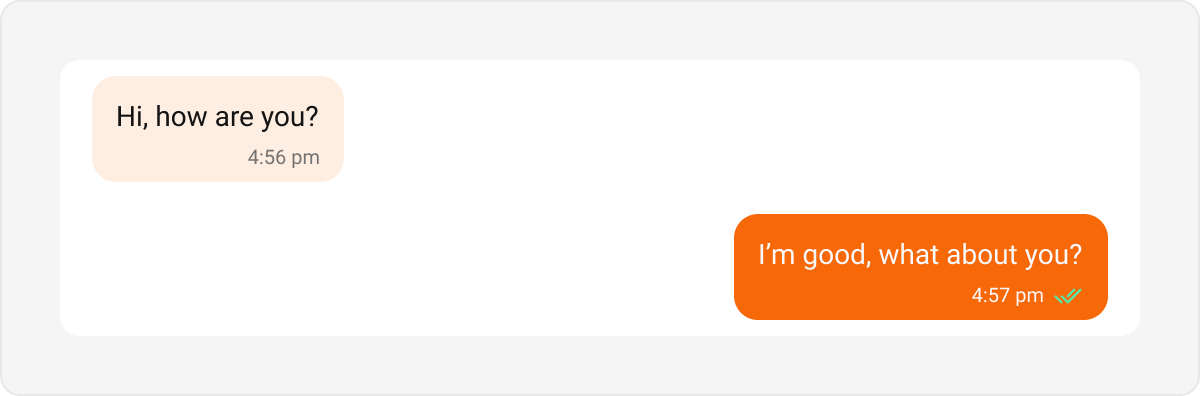
Text Bubble
- Kotlin (XML Views)
- Jetpack Compose
themes.xml
Image Bubble
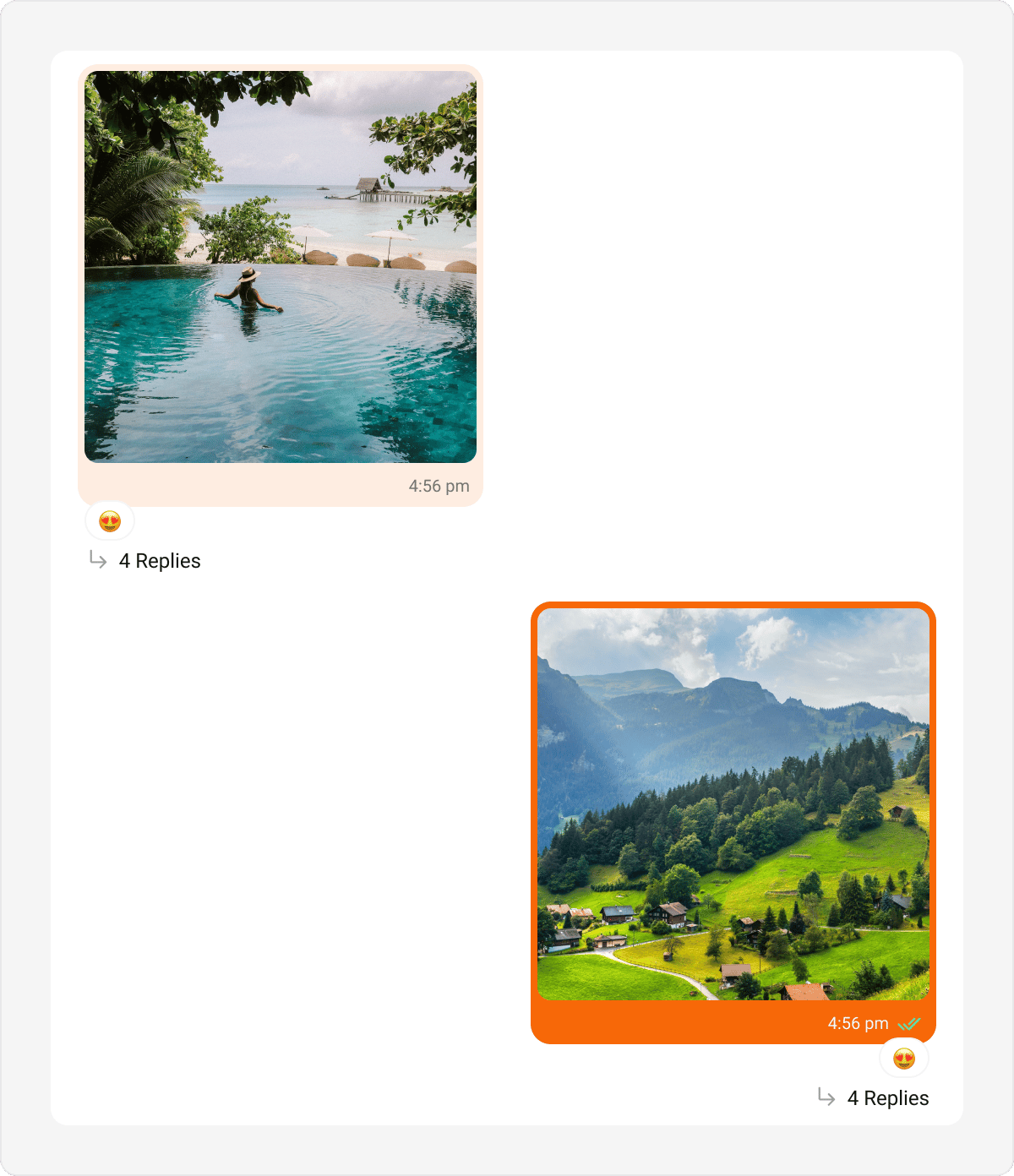
- Kotlin (XML Views)
- Jetpack Compose
themes.xml
Images Bubble
Renders a message that carries multiple image attachments (CometChatImagesBubble) as a count-based grid (1, 2, 3, 4, or 5+ tiles). When there are more images than visible tiles, the last tile shows a “+N” overflow overlay. Tapping a tile opens the fullscreen gallery viewer. A caption renders underneath the grid. This is the multi-attachment bubble the list renders for image messages; the single-attachment Image Bubble remains for standalone use.
Default
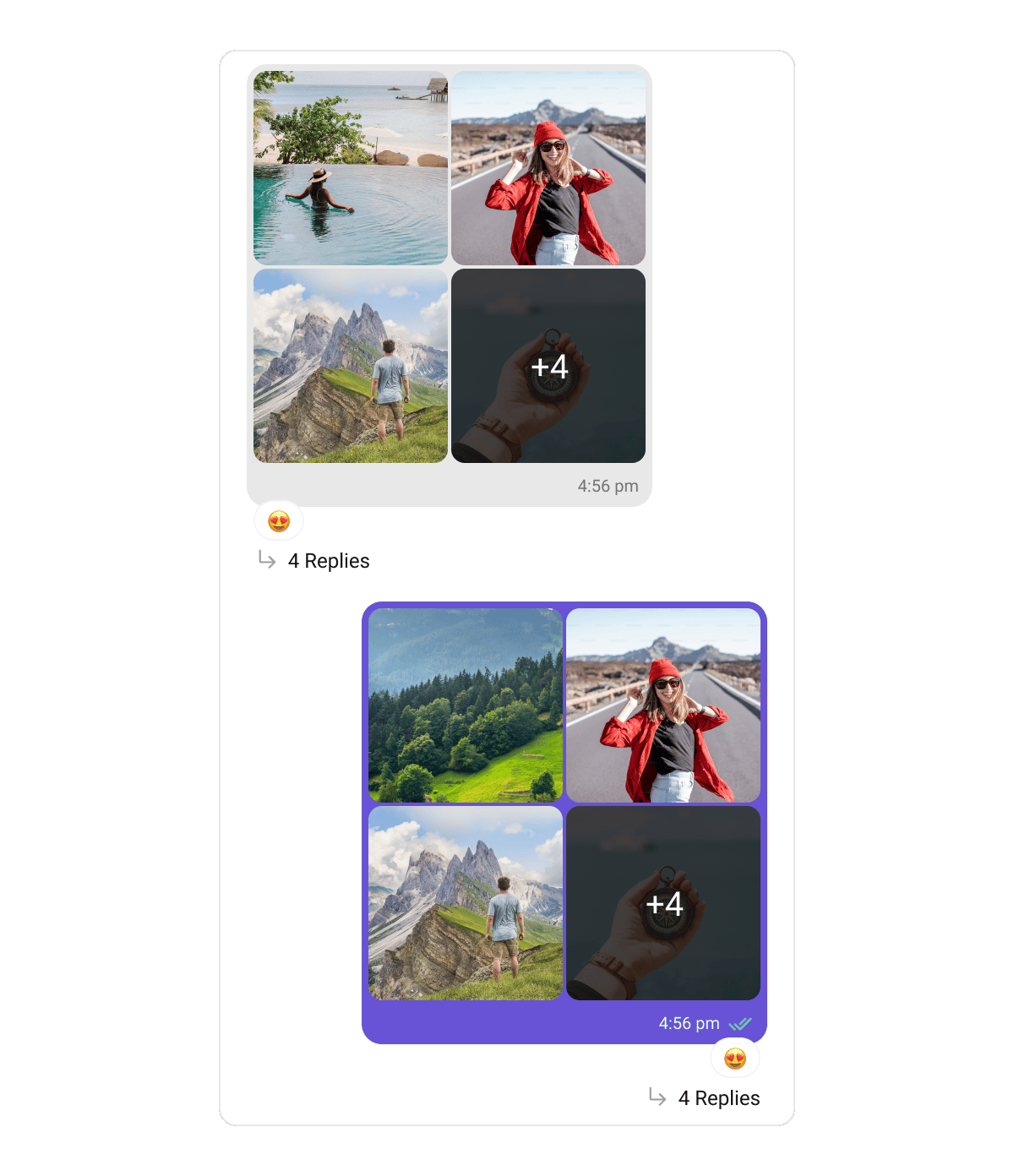
CometChatImagesBubbleStyle class. Its grid-specific properties:
Video Bubble
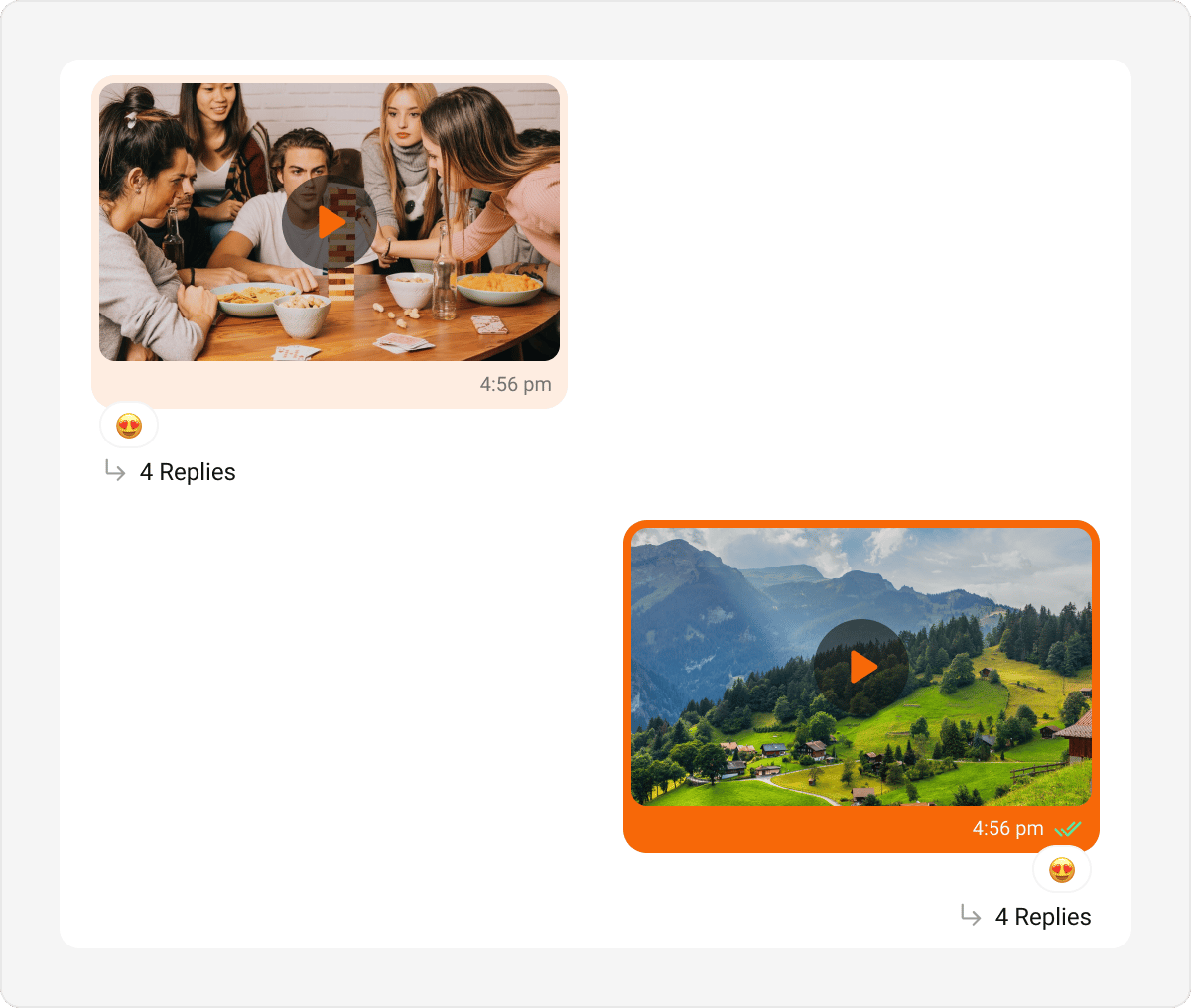
- Kotlin (XML Views)
- Jetpack Compose
themes.xml
Videos Bubble
Renders a message that carries multiple video attachments (CometChatVideosBubble) as a count-based grid (1, 2, 3, 4, or 5+ tiles). Each tile shows a poster thumbnail with a centered play badge and a duration chip; the last tile shows a “+N” overflow overlay when there are more videos than visible tiles. Tapping a tile opens the fullscreen player. A caption renders underneath the grid. This is the multi-attachment bubble the list renders for video messages; the single-attachment Video Bubble remains for standalone use.
Default
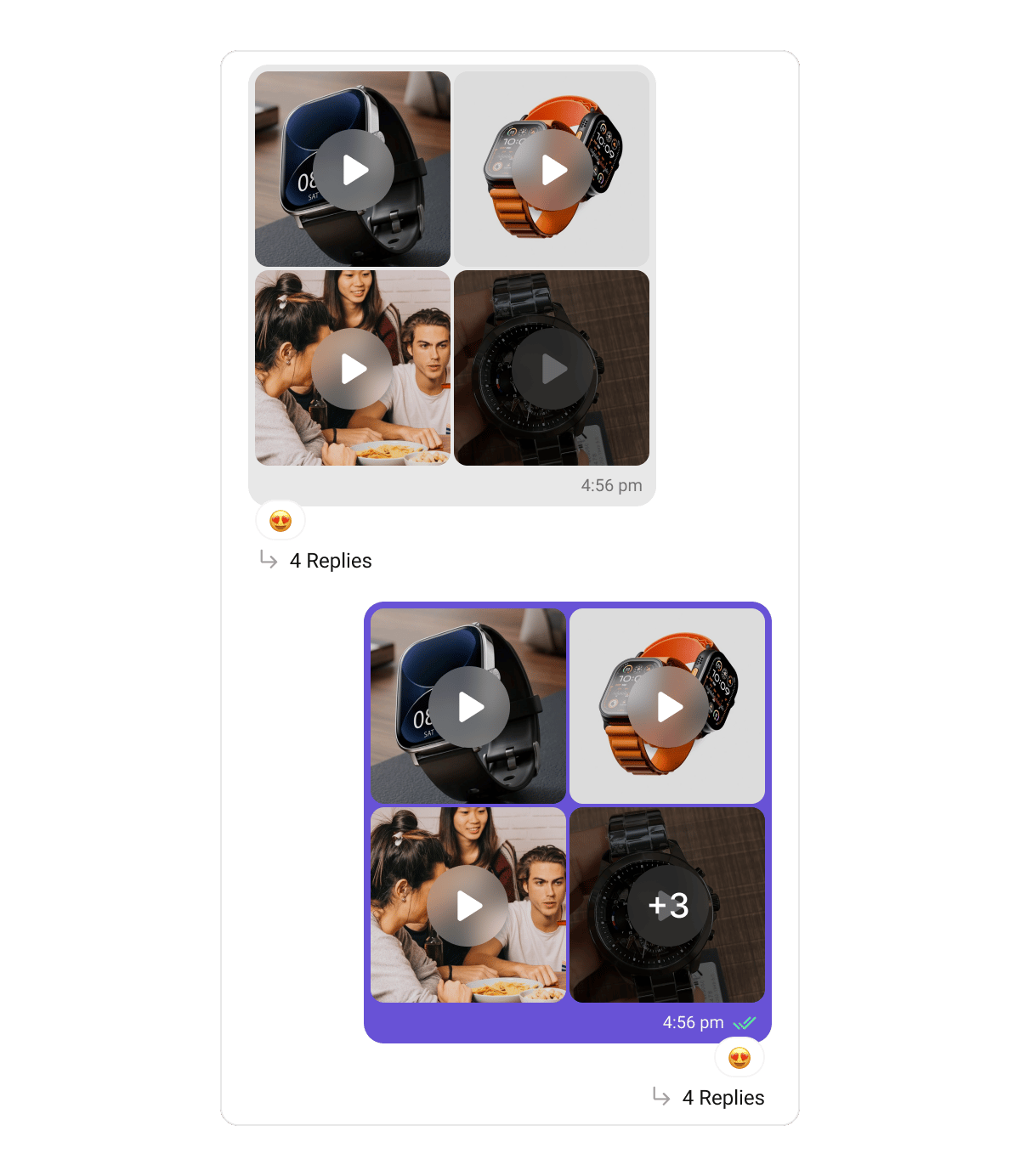
CometChatVideosBubbleStyle class. Its grid-specific properties:
Audio Bubble
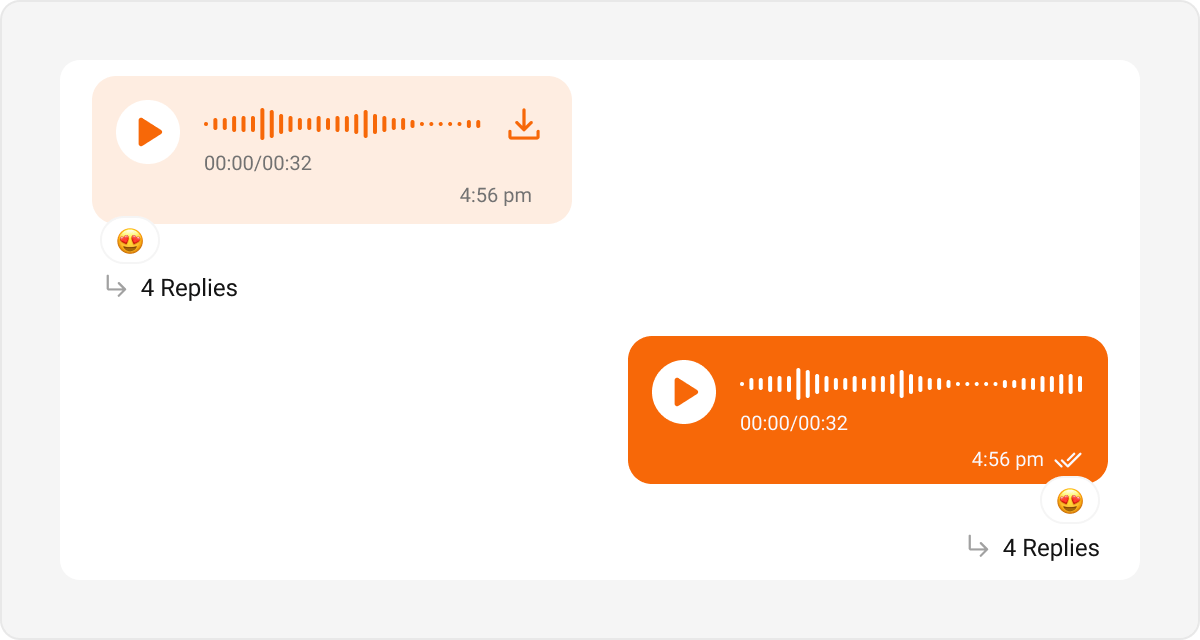
- Kotlin (XML Views)
- Jetpack Compose
themes.xml
Audios Bubble
Renders a message carrying audio file attachments (CometChatAudiosBubble) — audio chosen through the file/audio picker — one player row per file, each with a play/pause button, a seekable progress bar, the time, the file name, and a download control. Four or more files collapse behind a “Show N more” toggle. Only one row plays at a time.
Default
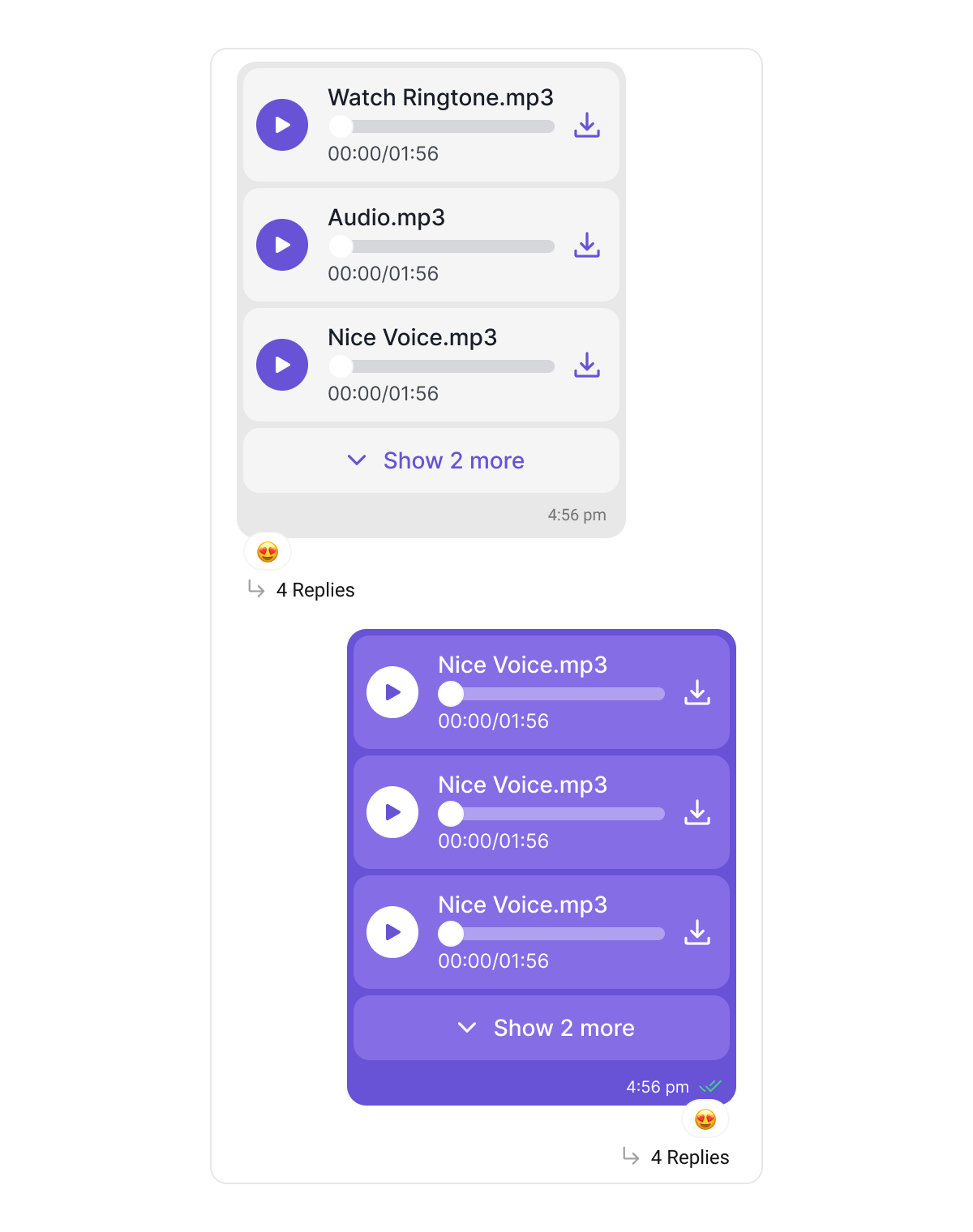
This bubble is distinct from the Audio Bubble, which renders voice notes recorded with the composer’s microphone. Voice notes keep their waveform look and are never grouped with other attachments.
CometChatAudiosBubbleStyle; the Kotlin (XML Views) list reuses your existing Audio Bubble style. Key Compose properties:
File Bubble
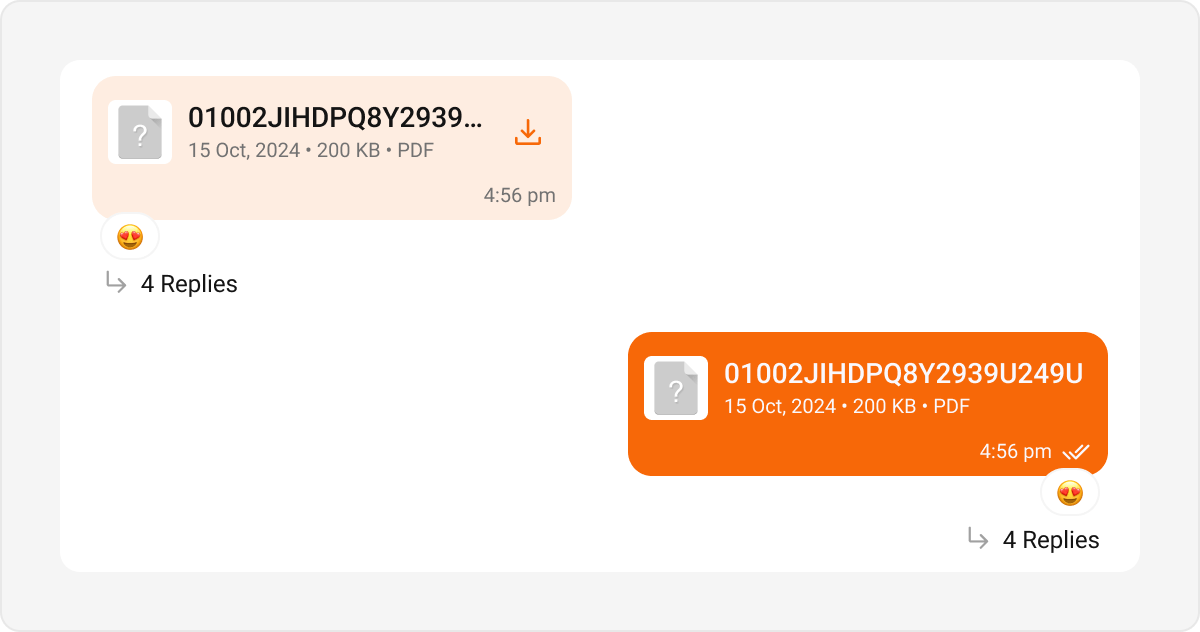
- Kotlin (XML Views)
- Jetpack Compose
themes.xml
Files Bubble
Renders a message carrying document attachments as a connected stack of file cards — each with a file-type icon (PDF, Word, Excel, PowerPoint, ZIP, …), the file name, and its size/extension metadata. Four or more files collapse behind a “+N more” toggle. Tapping a card opens the file. A caption renders under the stack. Default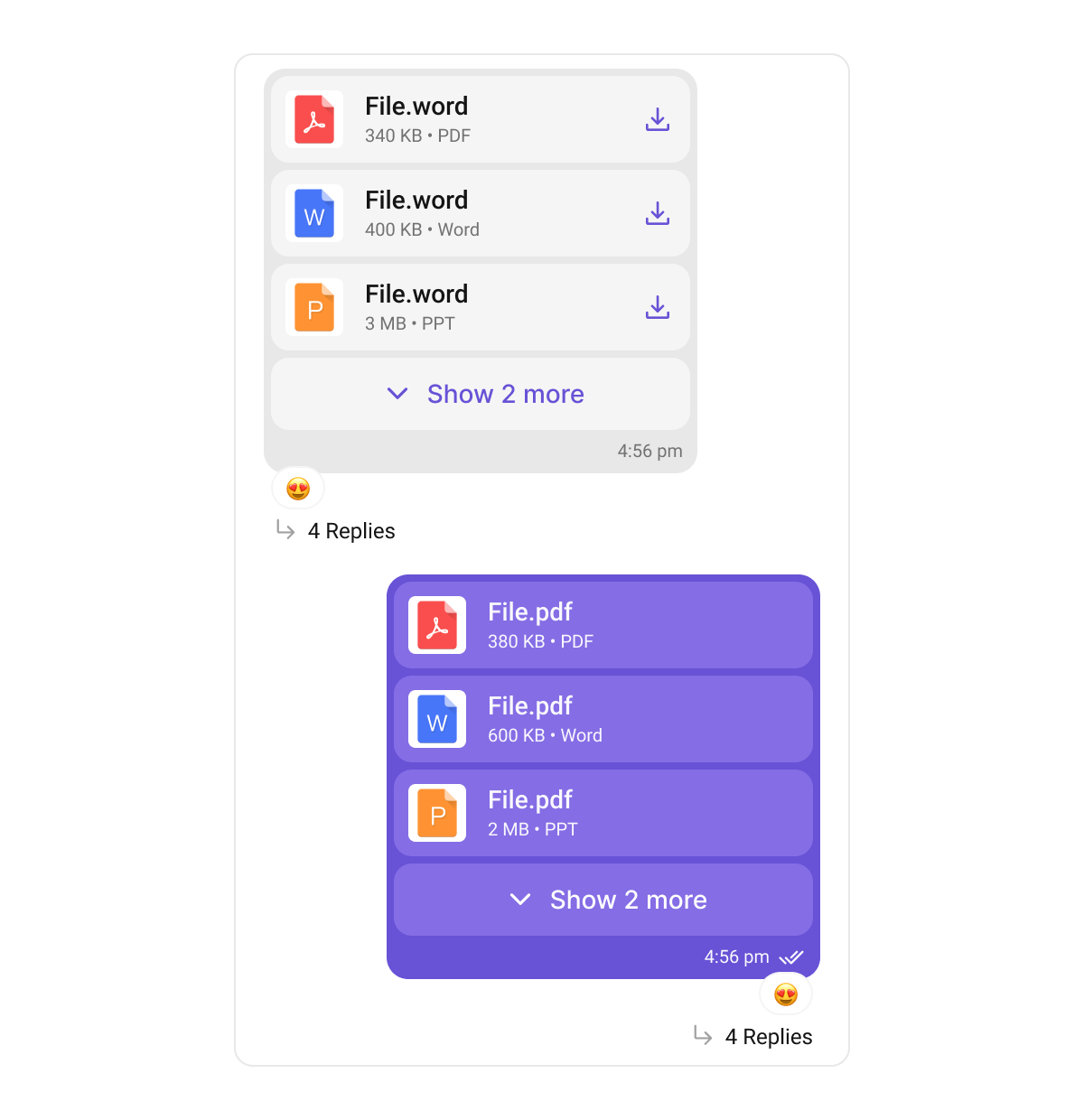
cardBackgroundColor only applies when the message carries multiple files — a single file card sits directly on the bubble background.CometChatFilesBubbleStyle; the Kotlin (XML Views) list reuses your existing File Bubble style. Key Compose properties:
Captions containing rich text (code blocks, quote blocks, inline code) render through the same pipeline as Text Bubbles, so their formatting looks identical across message types.
Sticker Bubble
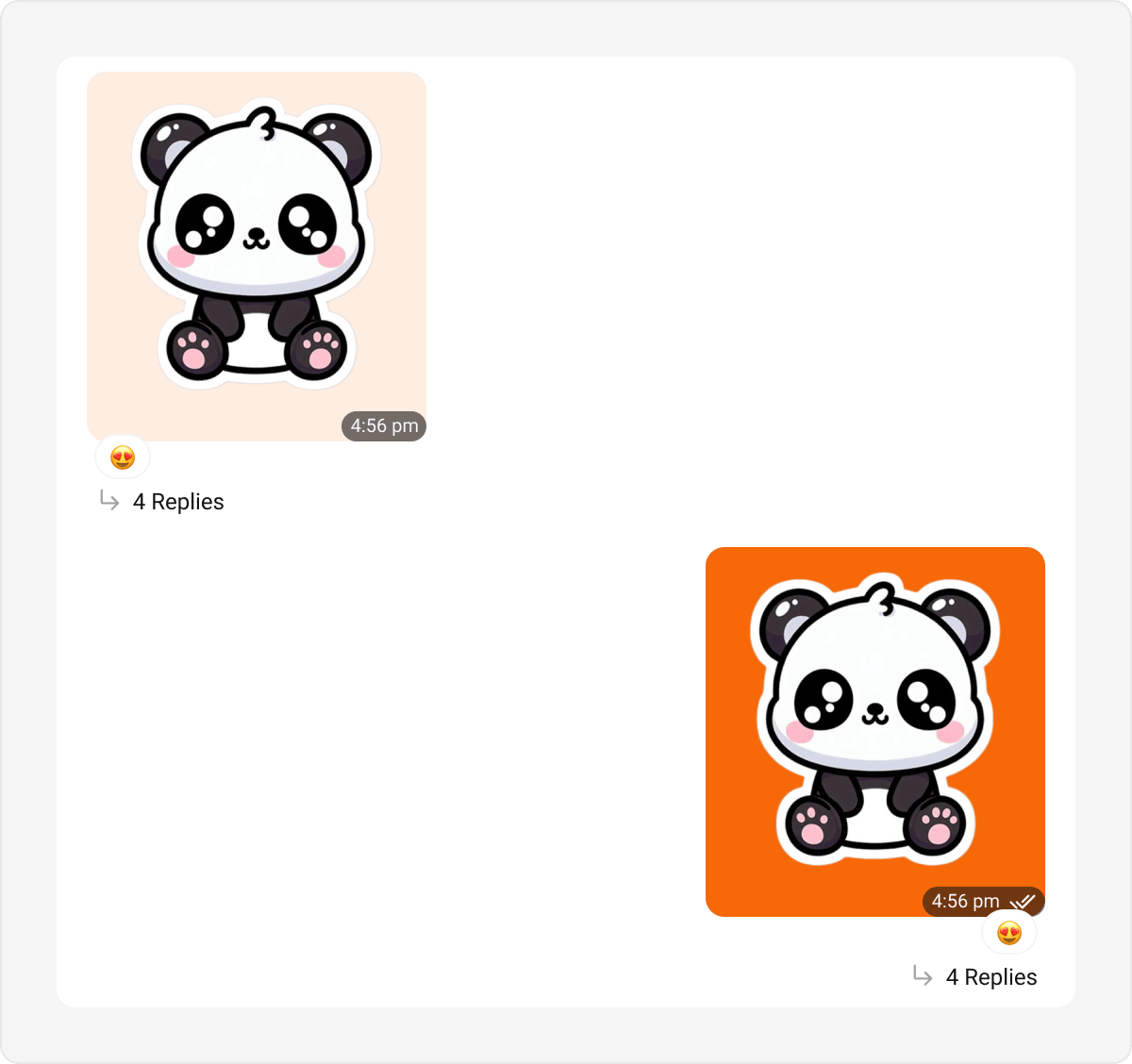
- Kotlin (XML Views)
- Jetpack Compose
themes.xml
Poll Bubble
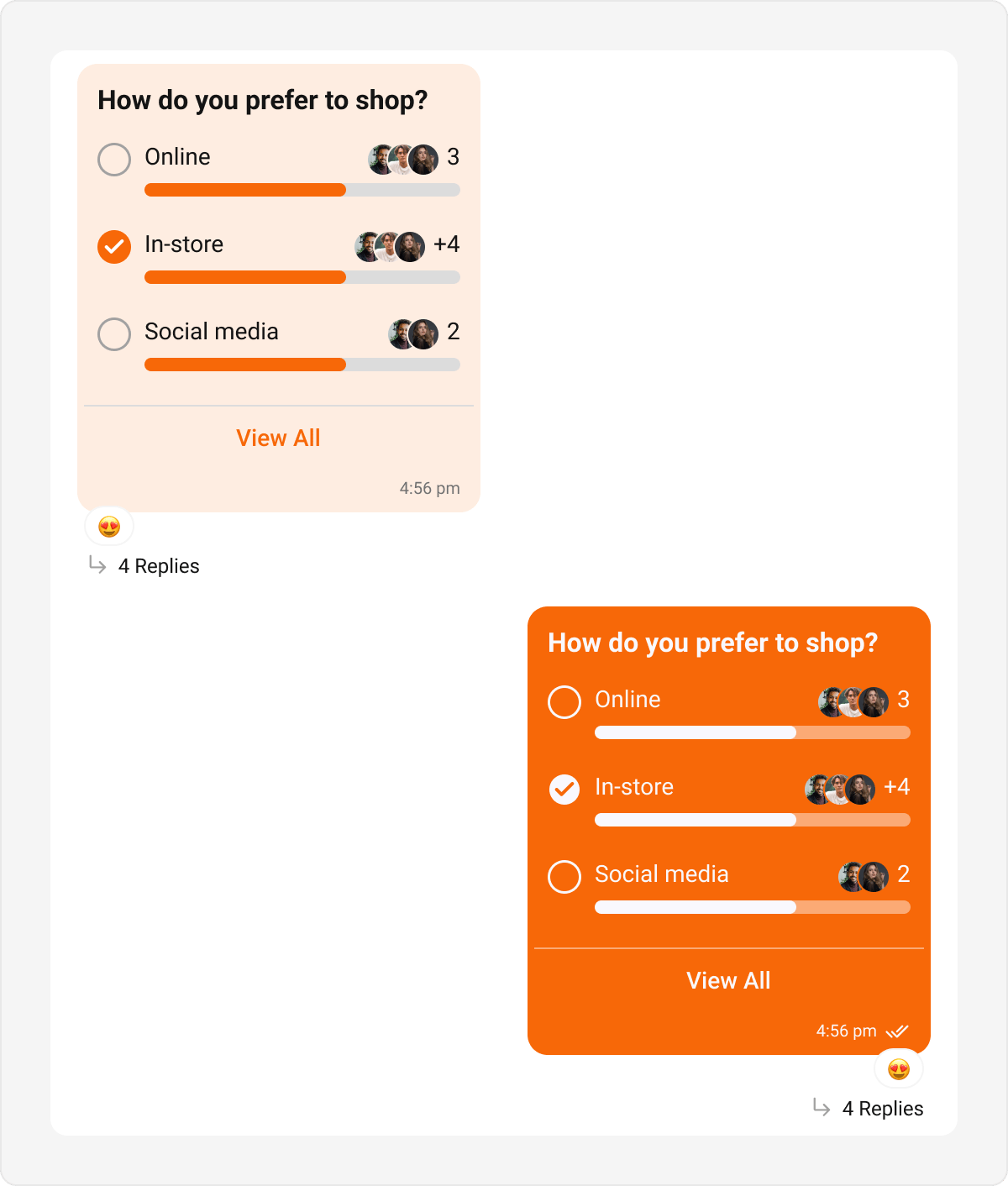
- Kotlin (XML Views)
- Jetpack Compose
themes.xml
Collaborative Bubble
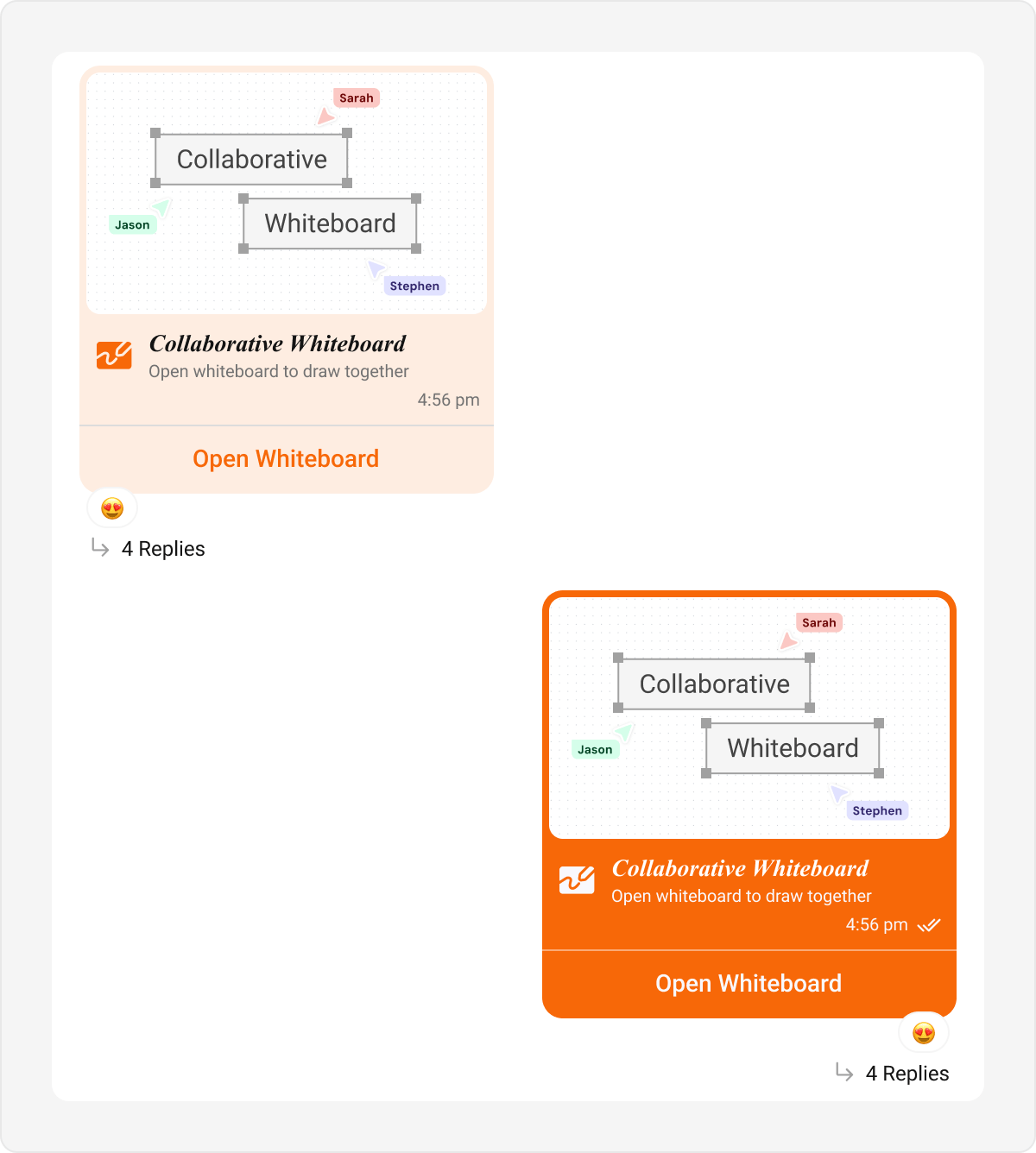
- Kotlin (XML Views)
- Jetpack Compose
themes.xml
Meet Call Bubble
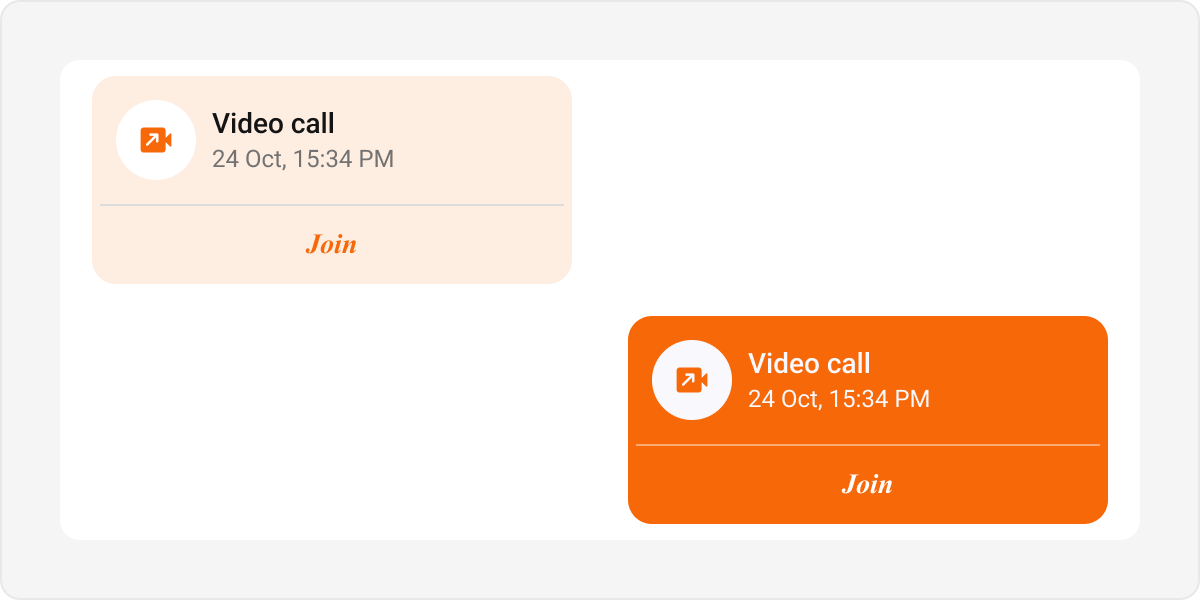
- Kotlin (XML Views)
- Jetpack Compose
themes.xml
Delete Bubble
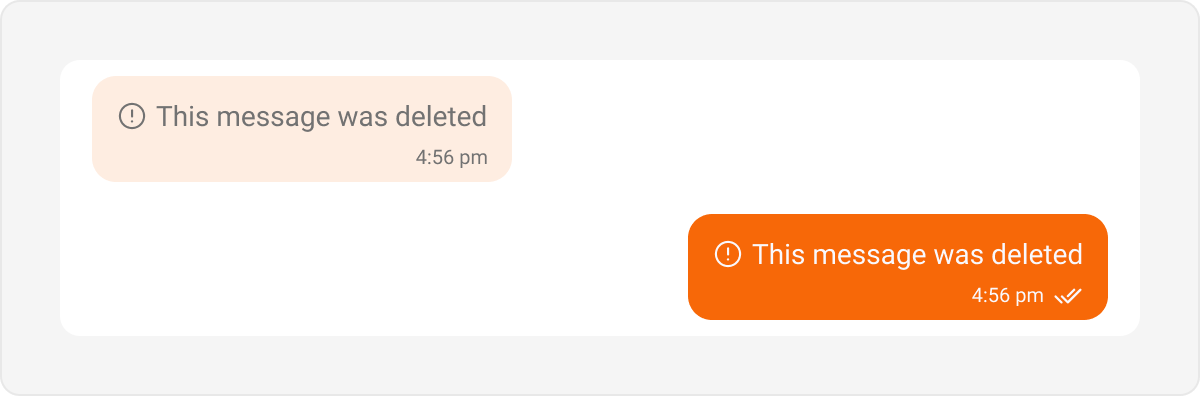
- Kotlin (XML Views)
- Jetpack Compose
themes.xml
List-Level Bubbles
These bubbles are tied to the Message List style, not the Incoming/Outgoing hubs.Call Action Bubble
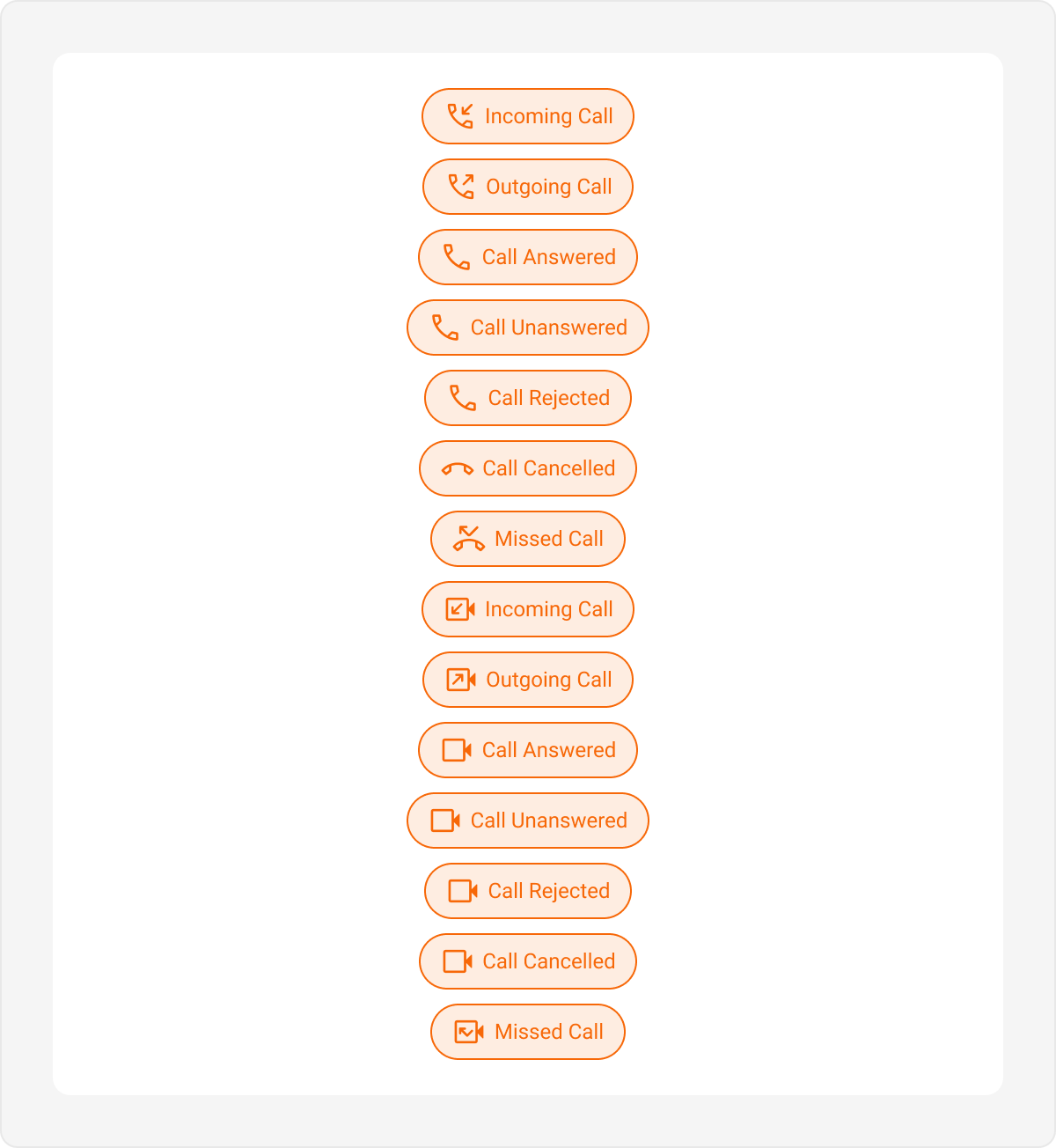
- Kotlin (XML Views)
- Jetpack Compose
themes.xml
Action Bubble
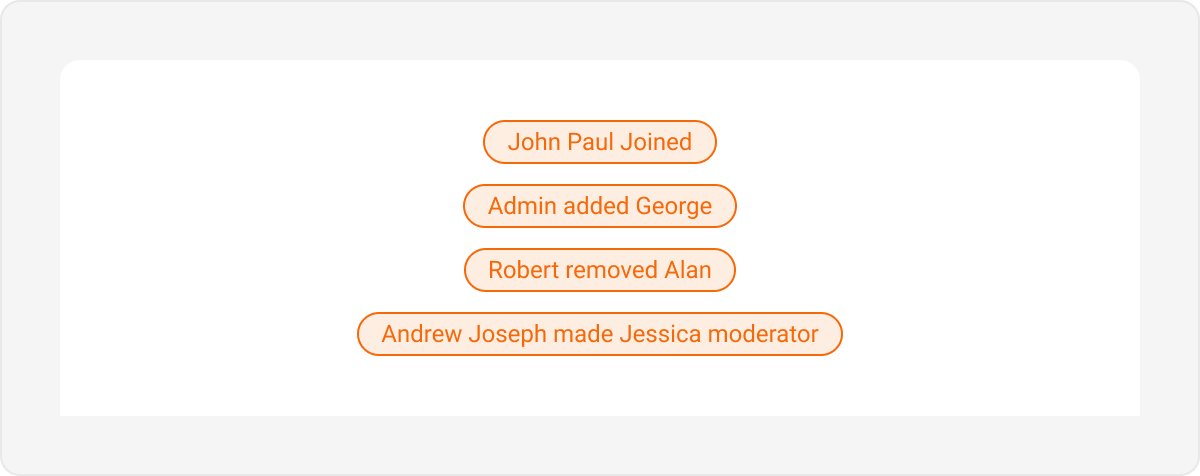
- Kotlin (XML Views)
- Jetpack Compose
themes.xml